READ EPUB, PDF, AND DJVU BOOKS IN THE TERMINAL
Bookokrat renders EPUB, PDF, and DJVU content with real layouts, images, and math. Built for readers who live in the terminal.
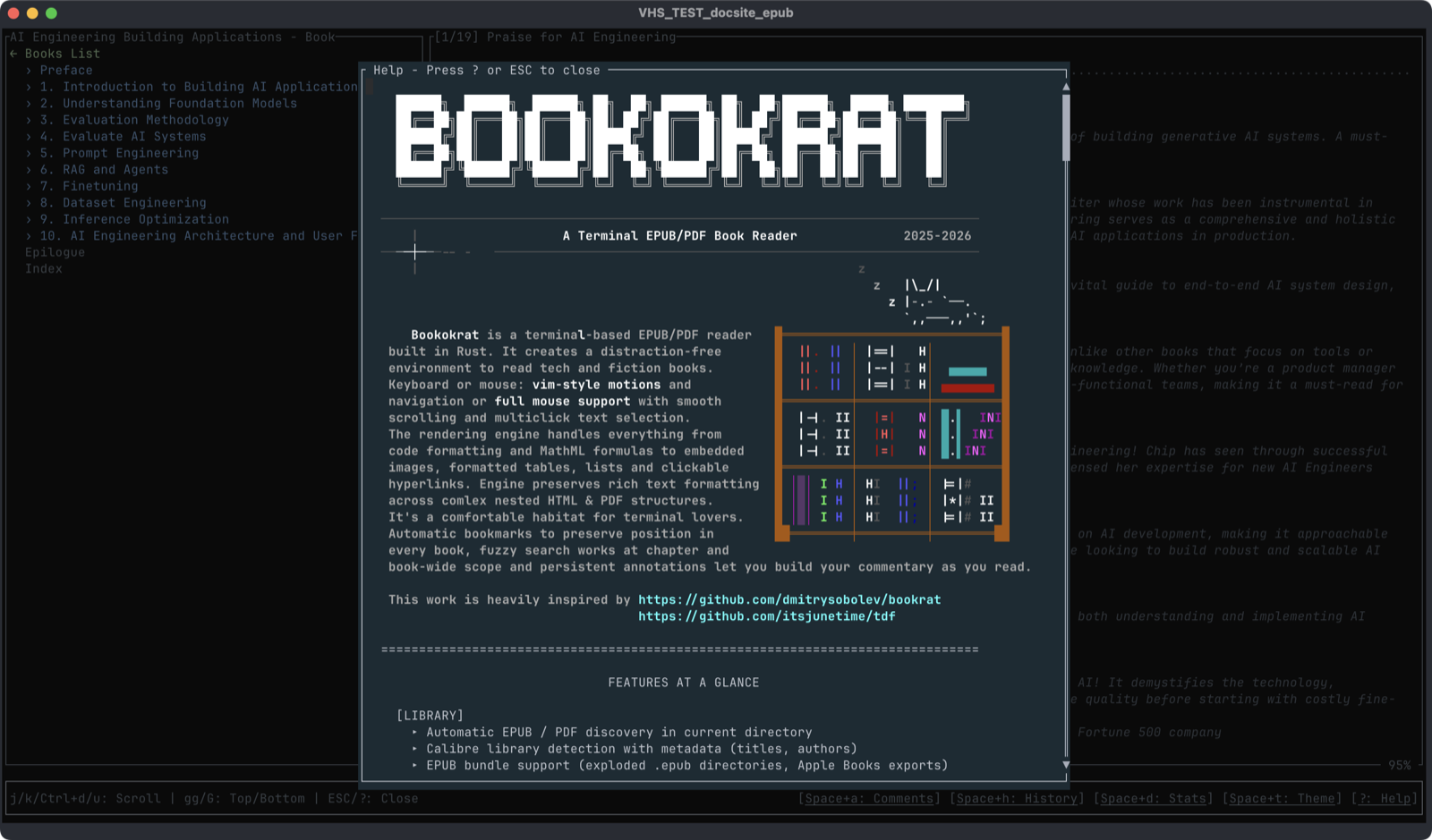
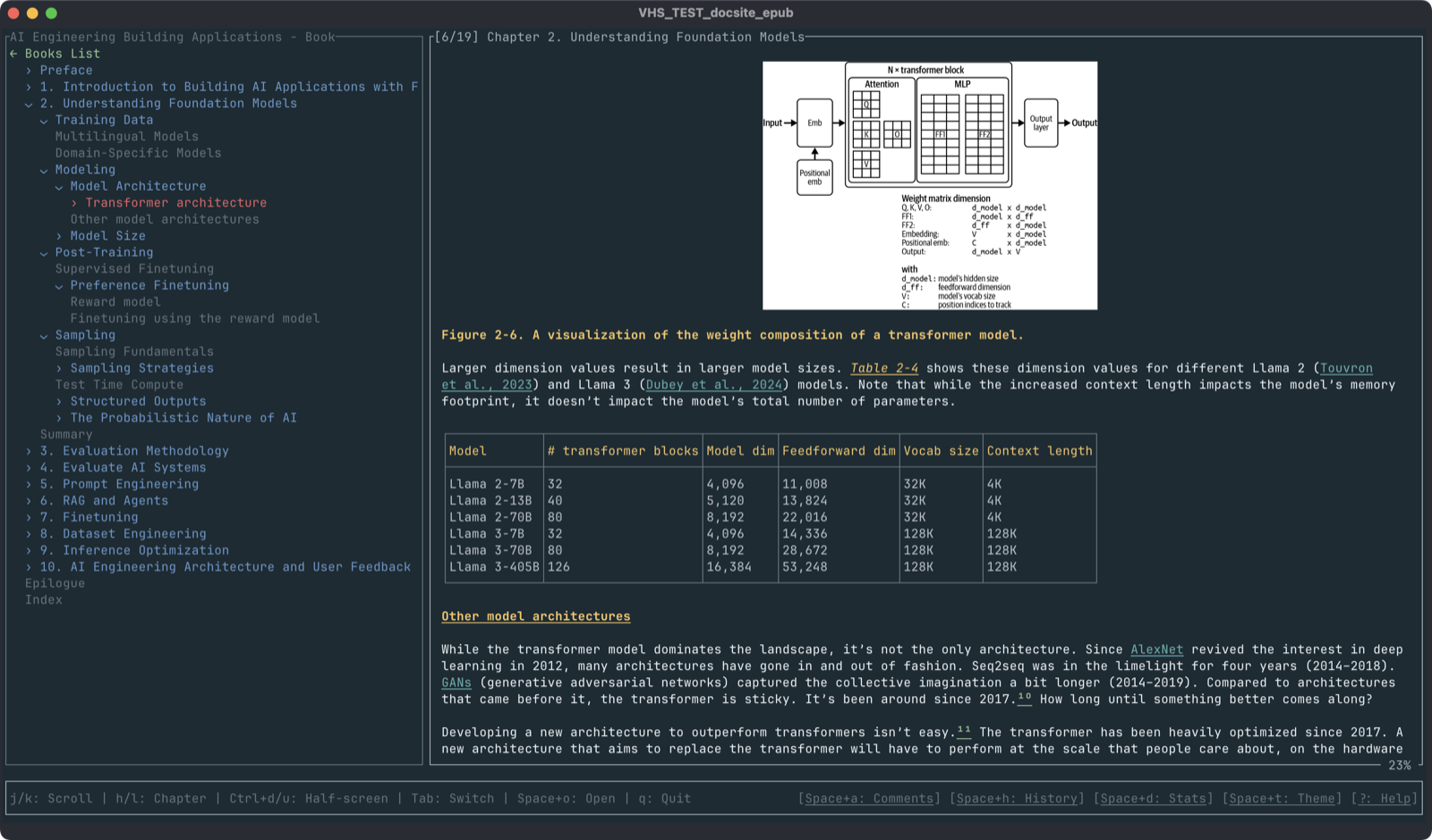
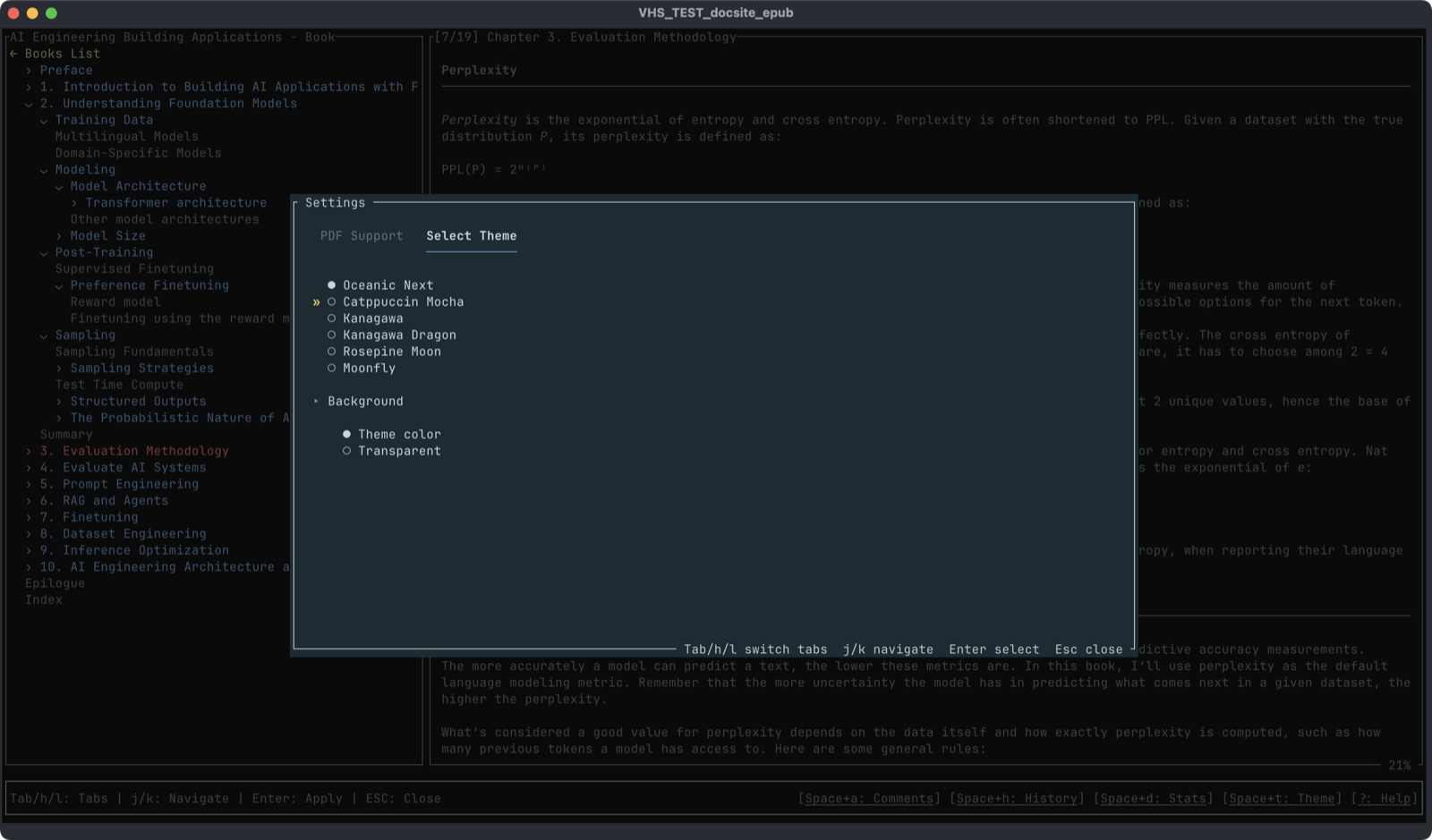
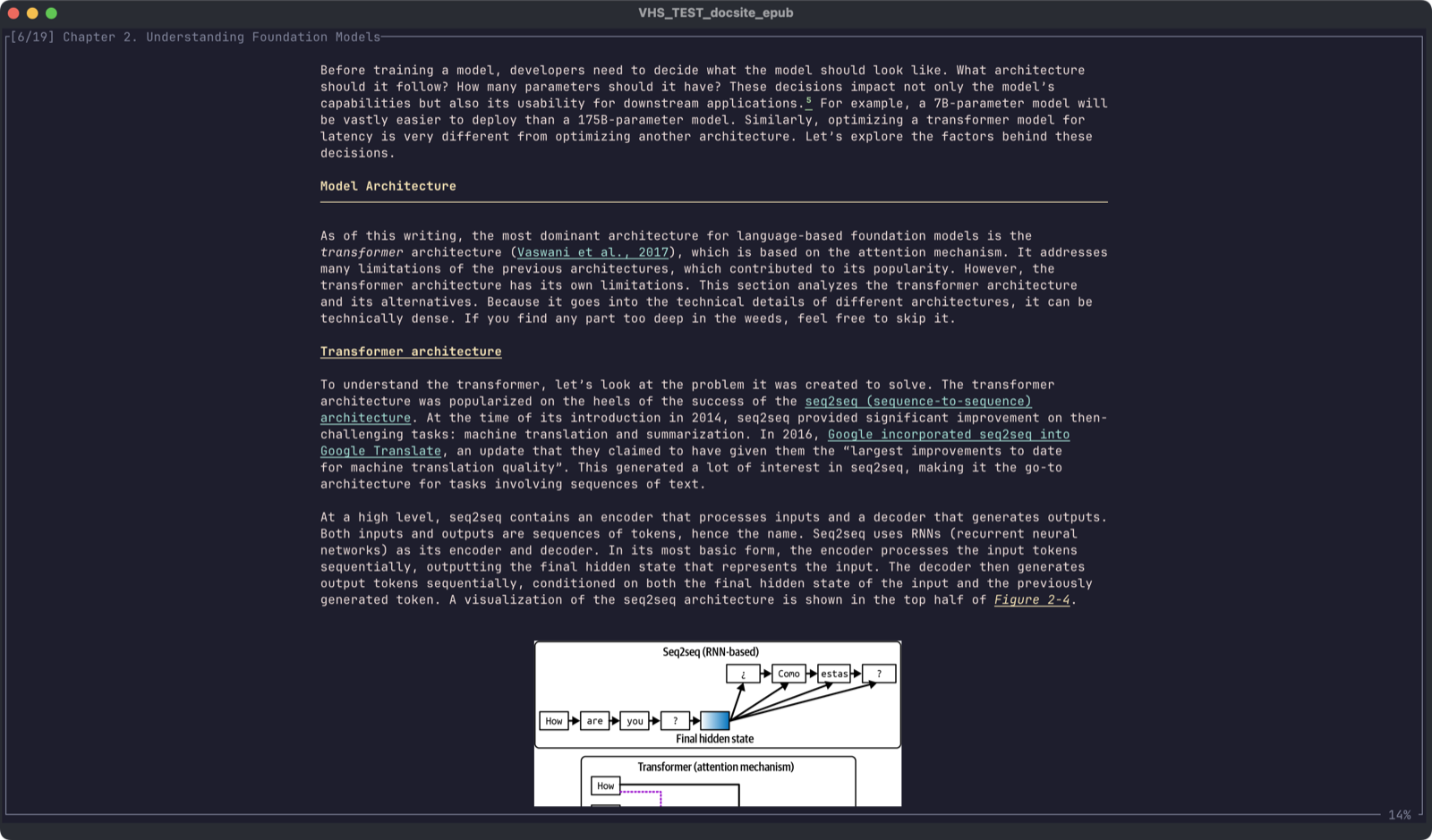
Demos
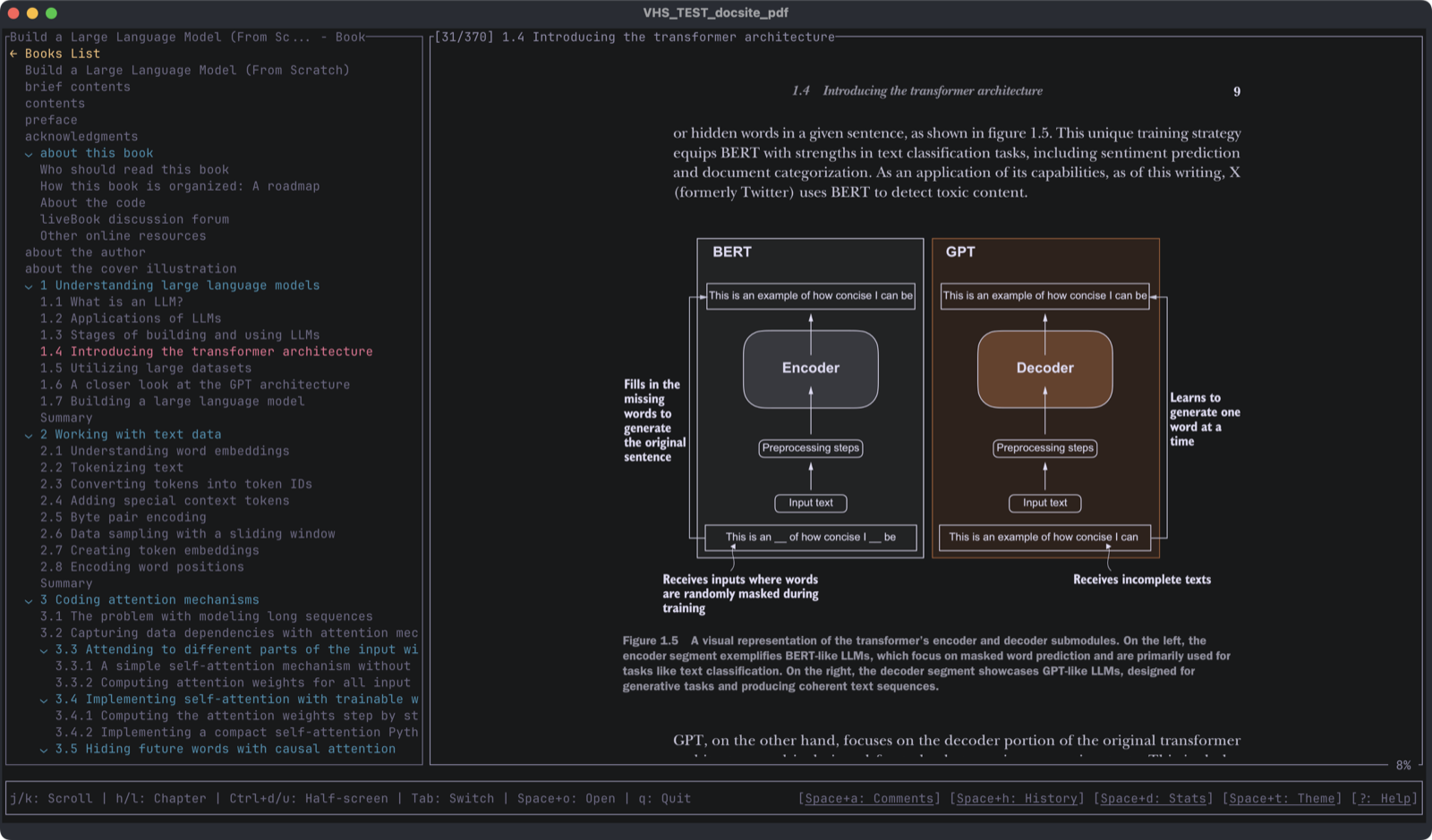
EPUB and PDF demos from the same reader that also supports DJVU.
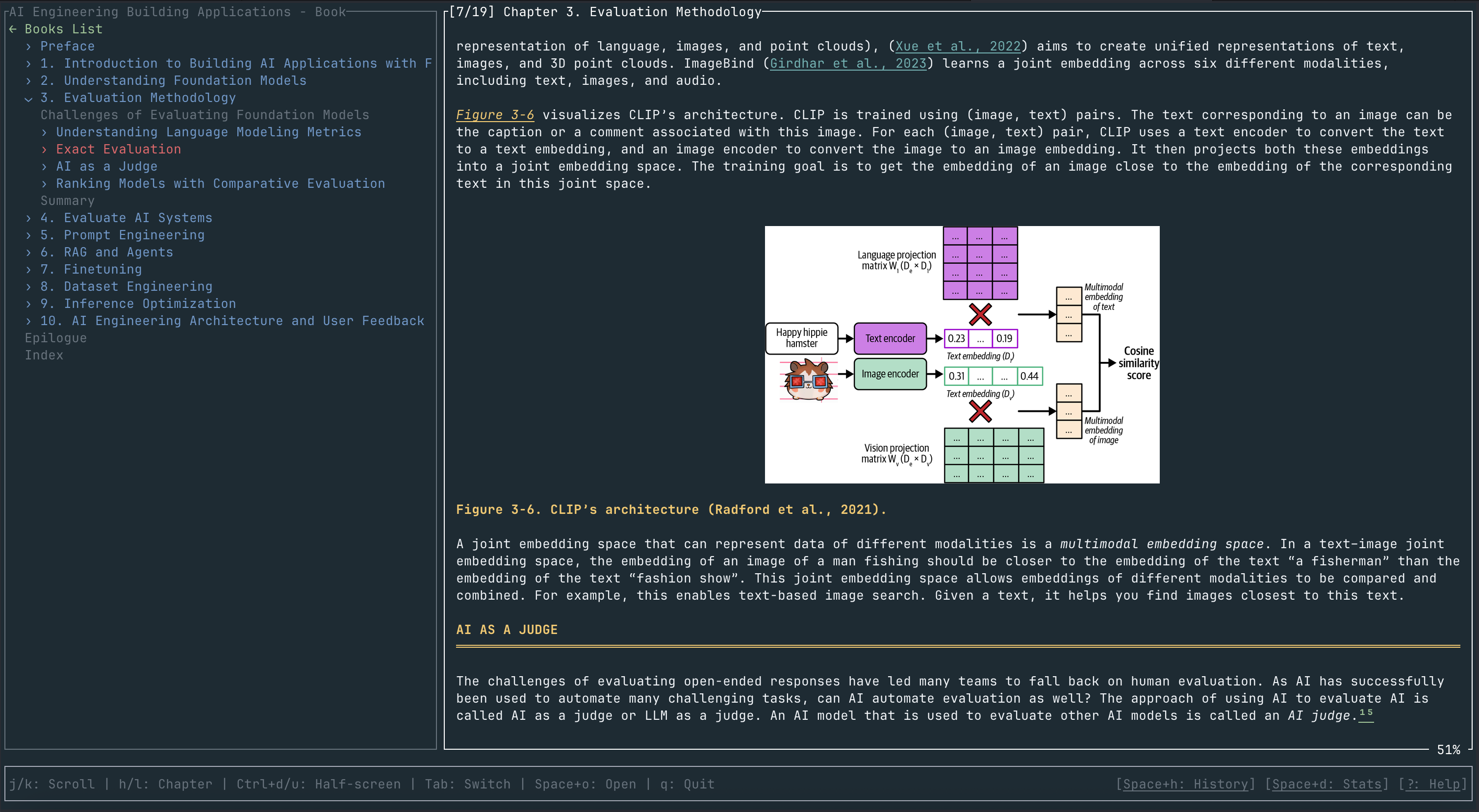
EPUB / HTML demo
Tables, code blocks, MathML, and images rendered inline.
PDF demo
Page/scroll modes, outline, search, and annotations.
Features that matter
Everything you expect, nothing you do not.
EPUB + HTML
Proper layout: tables, lists, images, and code blocks.
PDF / DJVU
Page and scroll views with TOC and fast navigation.
MathML
Readable equations for math-heavy books.
Annotations
Attach notes, export Markdown, and track history.
Vim + Mouse
Keyboard-first or mouse-friendly, your choice.
Graphics
Kitty, Sixel, iTerm2, and Unicode image backends.
Reading workflow
Full-text search, jump list, bookmarks, and annotation export make Bookokrat a research tool.
Install
Pick a path and start reading.
Homebrew (macOS) brew install bookokrat
- Prereqs: Homebrew installed.
- PDF and DJVU support are enabled by default.
Linux binary GitHub Releases (musl)
- Prereqs:
curlandtar. - Download and extract (choose your architecture):
# x86_64 (Intel/AMD)curl -LO https://github.com/bugzmanov/bookokrat/releases/latest/download/bookokrat-v0.3.4-x86_64-unknown-linux-musl.tar.gztar -xzf bookokrat-v0.3.4-x86_64-unknown-linux-musl.tar.gz# arm64 (AArch64)curl -LO https://github.com/bugzmanov/bookokrat/releases/latest/download/bookokrat-v0.3.4-aarch64-unknown-linux-gnu.tar.gztar -xzf bookokrat-v0.3.4-aarch64-unknown-linux-gnu.tar.gz- Install to your
PATH: sudo mv bookokrat /usr/local/bin/
Arch Linux AUR (bookokrat-bin)
- Install with your AUR helper:
yay -S bookokrat-binorparu -S bookokrat-bin.
Nix/NixOS (Flakes) nix run ...
- Requires Nix with flakes enabled.
- Run directly without installing:
nix run github:bugzmanov/bookokrat - Or install into your profile:
nix profile install github:bugzmanov/bookokrat
Cargo (all platforms) cargo install bookokrat
- Prereqs: Rust toolchain + C compiler/linker.
- Linux (Debian/Ubuntu):
sudo apt install build-essential. - Linux (Fedora/RHEL):
sudo dnf install gcc make. - macOS:
xcode-select --install. - Windows: Visual Studio Build Tools with C++ workload.
- PDF/DJVU builds on Linux:
pkg-config,libfontconfig1-dev,clang,libclang-dev. - Without PDF/DJVU:
cargo install bookokrat --no-default-features. - Windows: PDF/DJVU might not work in PowerShell. Consider using WezTerm for image support.
- Windows: for full Kitty protocol support, consider WSL with Ghostty or Kitty.
- Windows: if MuPDF fails to build, disable PDF/DJVU:
cargo install bookokrat --no-default-features.
FAQ
Short answers for common setup questions.
Is PDF / DJVU support enabled by default?
Yes. To build without PDF / DJVU support use --no-default-features.
What do I need to build from source?
A C compiler and standard build tools. For PDF / DJVU builds on Linux, install
pkg-config, libfontconfig1-dev, and libclang-dev.
Does it work on Windows?
Yes, via Cargo. Install the Visual Studio Build Tools with C++ workload.
PDF/DJVU might not work in PowerShell.
For full Kitty protocol support, consider WSL with Ghostty or Kitty.
If MuPDF fails to build, use --no-default-features to disable PDF/DJVU.